
Back up crates and playlists
Keep the structure of your Serato library safe, including the playlists and crates you have spent years building.
MLT helps DJs backup their Serato library, protecting crates, playlists and important library data from accidental loss.
On your phone? Send the download to your laptop.
Free · no card needed · Mac & Windows
Sent — check your inbox.
Open it on your Mac or PC and the download link is inside. Check spam if it is not there in a minute.
Full and single-crate backups are free · Incremental and USB backups are a one-time £9.99 upgrade · Included with MLT Pro
App preview
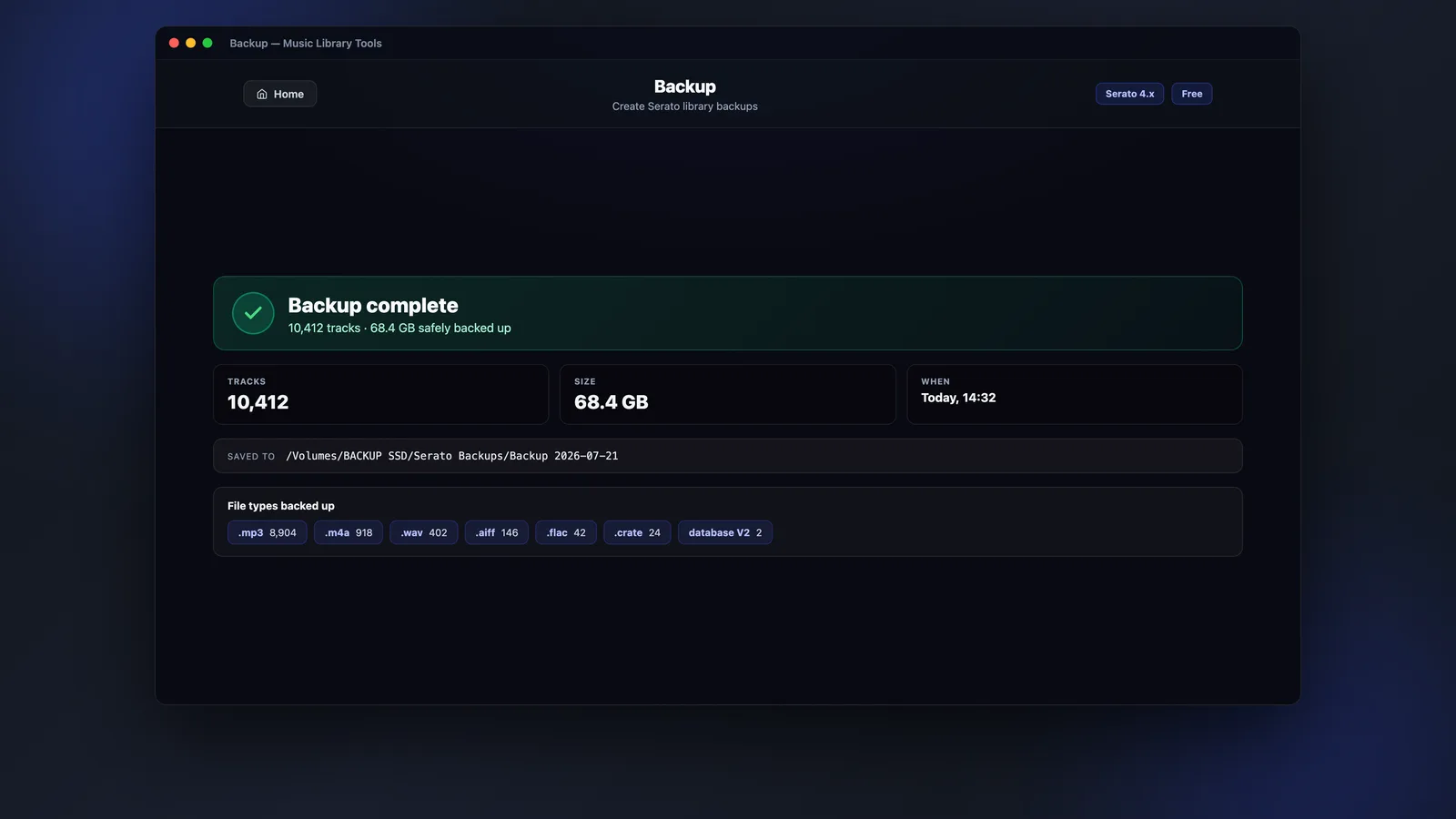
Choose a full, incremental or single-crate backup and keep a restorable copy of the library you rely on.
Why Backup
Backup is built for DJs who need their Serato crates, playlists and music files safe before a drive fails, a laptop changes, or a library gets corrupted.
Keep the structure of your Serato library safe, including the playlists and crates you have spent years building.
Create a copy of the tracks your library depends on, so you are not relying on one drive or one laptop.
Keep a clean backup ready for new machines, emergency recovery, or peace of mind before making big library changes.
What you get
Choose the backup type that fits what you need today, from a full safety copy to a quick update after adding new music.
Back up your music library and Serato folder so your crates, cues, playlists and library data are saved together.
Top up an existing backup with new tracks since the last run, instead of copying your whole library every time.
Package up one crate when you only need a specific set, gig folder or playlist on another drive or machine.
Backup workflow
The workflow stays simple, whether you are making your first complete backup or keeping an existing backup up to date.
Choose your full library, new tracks only, or a single Serato crate.
Save to an internal drive, external drive, network location or another safe folder.
MLT creates the backup so your library is ready if you need to recover or move setup.
Compatibility
Backup works with Serato libraries and gives you a simple safety copy for the DJ setup you already use.
Designed around Serato library folders, crates, playlists and music files.
Use it on macOS or Windows with your existing Serato setup.
Back up to an internal drive, external drive, NAS or another folder you trust.
FAQ
Straight answers about what Backup does and how it protects your Serato library.
Your music files and the Serato library data that stores crates, playlists, cue points and database records. Our guide to backing up your Serato library explains why copying your music folder on its own is not enough.
Yes. You can choose an internal drive, external drive, network drive or another folder as your backup destination. If you are backing up ahead of a new laptop, see how to move your Serato library to a new computer.
No. Incremental backup only copies new and changed files since your last backup. It is part of the paid upgrade, along with USB-ready backups.
Yes for full backups. A full library backup and a single-crate backup are both free in Music Library Tools. Paying £9.99 once adds incremental backups (only new or changed files) and USB-ready backups for a portable library. Restoring a backup is free.
Yes. You can buy Backup on its own, or unlock it as part of MLT Pro with the rest of the paid tools.
Back up your Serato library now and keep a safe copy of the crates, playlists and music files you rely on. Full backups are free.