
Crates and cues come with it
Not just the audio files. Your crate structure and hot cues are rebuilt on the new machine, so you're not starting your library from scratch.
Restore takes an MLT backup and rebuilds your exact Serato library on another machine - crates, cue points and tracks, all pointing at the right files. Ideal for a new laptop, a backup machine, or keeping two setups in step.
On your phone? Send the download to your laptop.
Free · no card needed · Mac & Windows
Sent — check your inbox.
Open it on your Mac or PC and the download link is inside. Check spam if it is not there in a minute.
Included free · Mac & Windows · Serato · No subscription
App preview
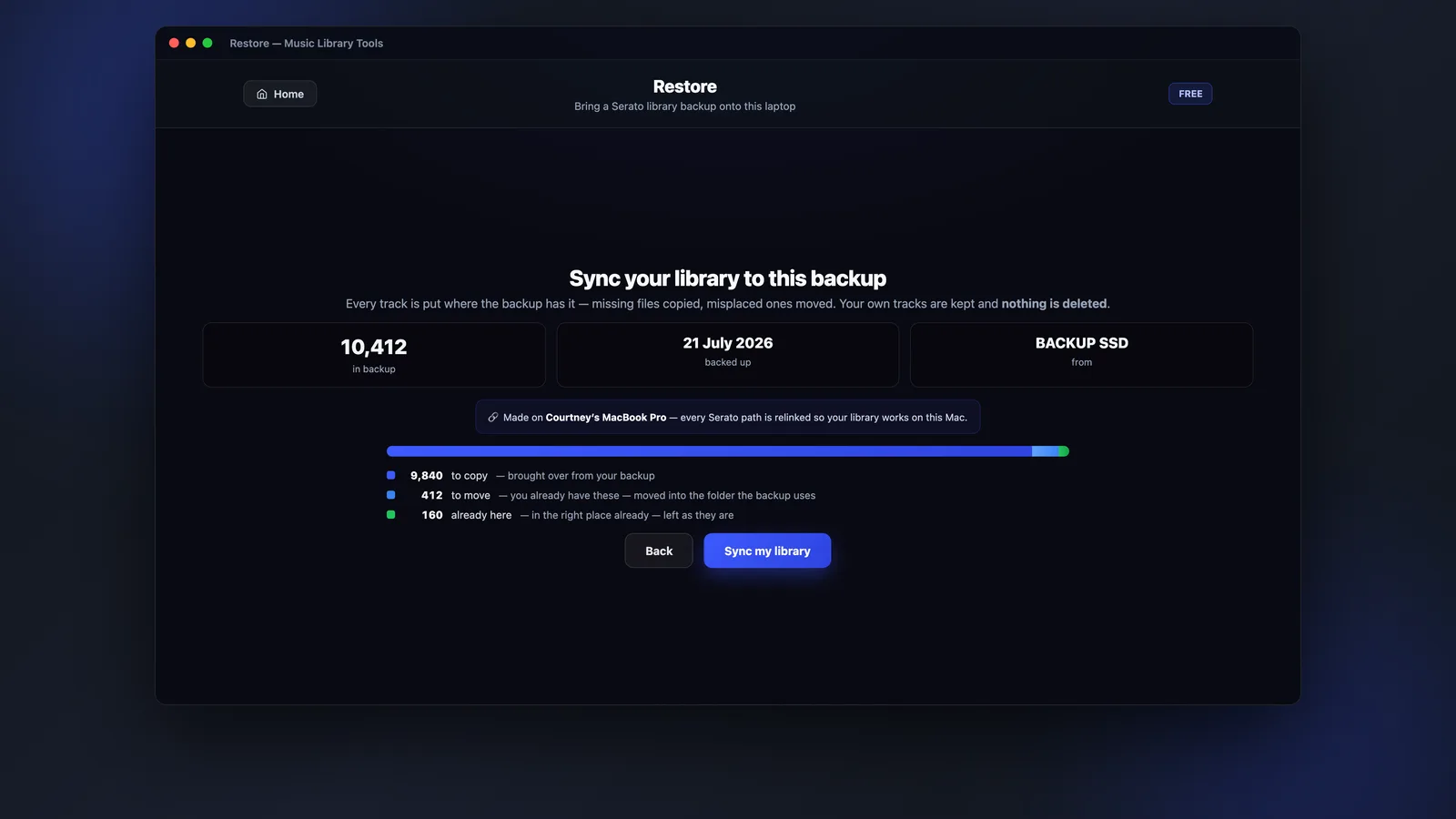
Restore reads the backup and shows what will be copied, what's already in place and what it's keeping, before it writes anything.
What it does
Copying a music folder across doesn't move your crates or your cue points - Serato keeps those in its own database. Restore rebuilds the whole thing from an MLT backup, so the second machine opens up exactly like the first.
Not just the audio files. Your crate structure and hot cues are rebuilt on the new machine, so you're not starting your library from scratch.
Restoring onto a laptop that already has music won't wipe it. Tracks that aren't in the backup are kept, and MLT tells you how many it held on to.
Read the backup and search through what's inside by track name or folder before you commit to restoring any of it.
Run a main machine and a backup machine, or a home and a gig laptop, and use Backup then Restore to bring the second one back in line.
How it works
Restore is the second half of Backup - make the backup on the old machine, then rebuild it on the new one.
Use MLT Backup to make a copy of your Serato library - crates, cues and tracks - onto a drive you can carry over.
Install MLT on the new laptop, point Restore at the backup, and it reads what's inside so you can check it before going ahead.
Restore puts the tracks in place and rebuilds your Serato crates and cue points around them. Open Serato and it's your library.
FAQs
Straight answers about backups, existing music, compatibility and price.
Rebuild your Serato library - crates, cues and all - on another machine, free with Music Library Tools.