
Out of iTunes, into folders
Every track comes out of iTunes into folders on your computer, with all paths updated - so you never have to open iTunes again.
Get your music out of iTunes / Apple Music into folders on your computer. Your playlists become Serato crates - and you won't need iTunes again.
On your phone? Send the download to your laptop.
Free · no card needed · Mac & Windows
Sent — check your inbox.
Open it on your Mac or PC and the download link is inside. Check spam if it is not there in a minute.
Playlists to crates free · Full migration is a one-time payment · Included with MLT Pro
What it does
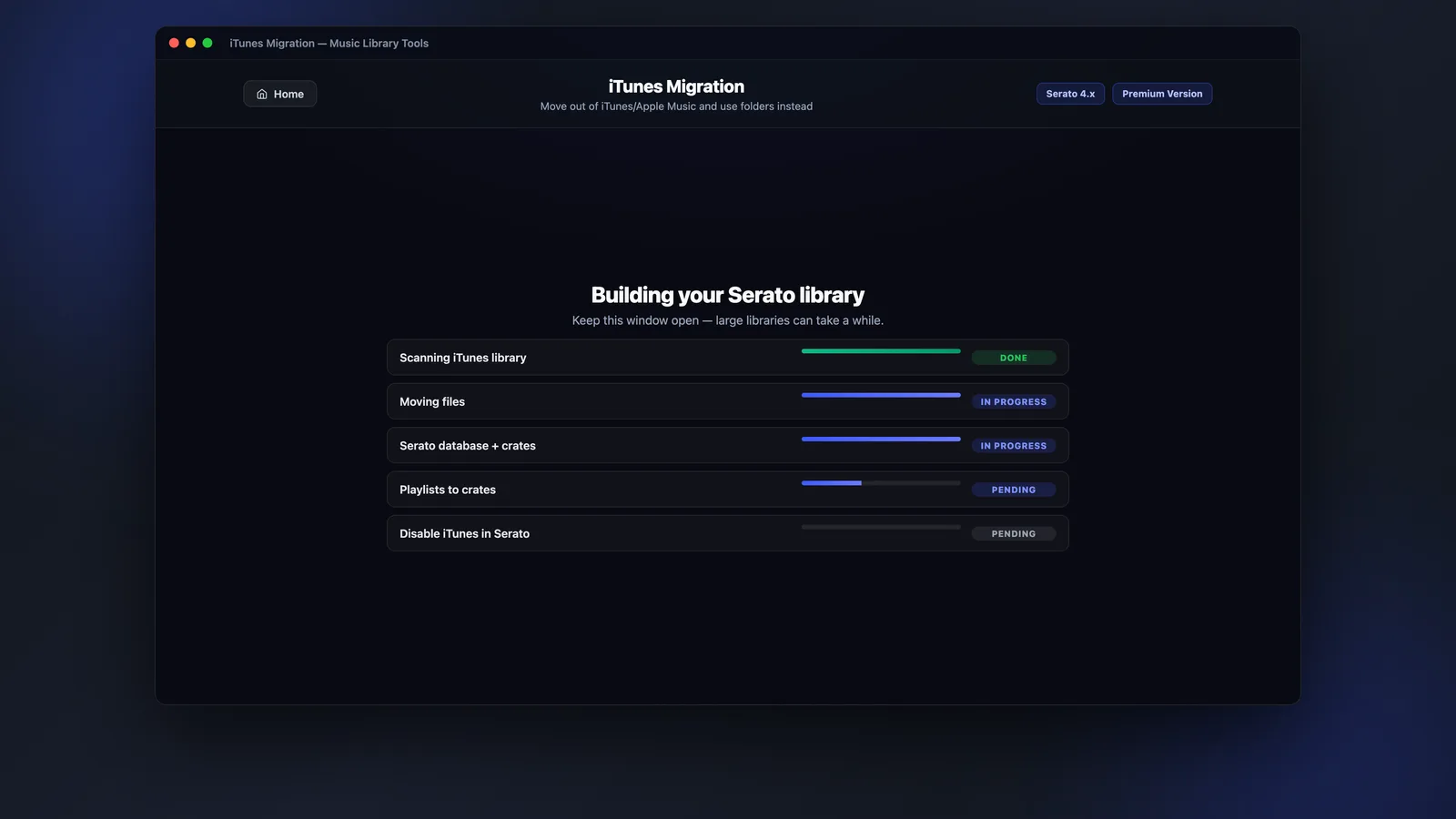
Move (or copy) your whole library into folders, rebuild every playlist as a Serato crate, and switch iTunes off inside Serato - all in one run.
Every track comes out of iTunes into folders on your computer, with all paths updated - so you never have to open iTunes again.
Every iTunes / Apple Music playlist is rebuilt as a Serato crate. The crates you've spent years curating come with you.
MLT disables iTunes inside Serato so it stays out of your way while you're playing.
Choose Move to relocate files, or Copy to keep your iTunes folder intact. Your library isn't deleted - back it up and revert any time.
App preview
Pick a destination, choose move or copy, tick what to convert - then move your whole library to Serato in a single click.
How it works
A guided, reversible migration - back up first, then move everything over in one run.
Choose where your music should live, and whether to move or copy the files out of iTunes.
Playlists are rebuilt as Serato crates and every track is moved into folders with paths updated.
MLT disables iTunes inside Serato - you're on folders and crates, ready to play.
FAQs
Straight answers about playlists, iTunes, Apple Music and price.
Move out of iTunes / Apple Music into Serato-ready folders, with every playlist preserved as a crate.