
Browse & filter crates
See your whole Serato crate tree in one place and filter to find exactly what you need - without opening the DJ app.
Clean up Serato. Tuck crates away and bring them back with one click - and browse, filter and tidy your whole crate hierarchy outside the DJ app.
On your phone? Send the download to your laptop.
Free · no card needed · Mac & Windows
Sent — check your inbox.
Open it on your Mac or PC and the download link is inside. Check spam if it is not there in a minute.
Included free · Mac & Windows · Serato · No subscription
What it does
CrateView opens your Serato crates outside the DJ app, so you can see everything, tidy what you don't need and put it back whenever you want.
See your whole Serato crate tree in one place and filter to find exactly what you need - without opening the DJ app.
Tuck crates out of view with one click and bring them back any time. Serato stays clean and focused for the gig.
Remove crates you no longer need. They go to Trash, not gone forever - so nothing is a one-way decision.
CrateView works on your crate structure, never the audio files. Your music stays exactly where it is on disk.
App preview
Every crate, smart crate and hidden crate in one clear view - filter, search and tidy without opening the DJ app.
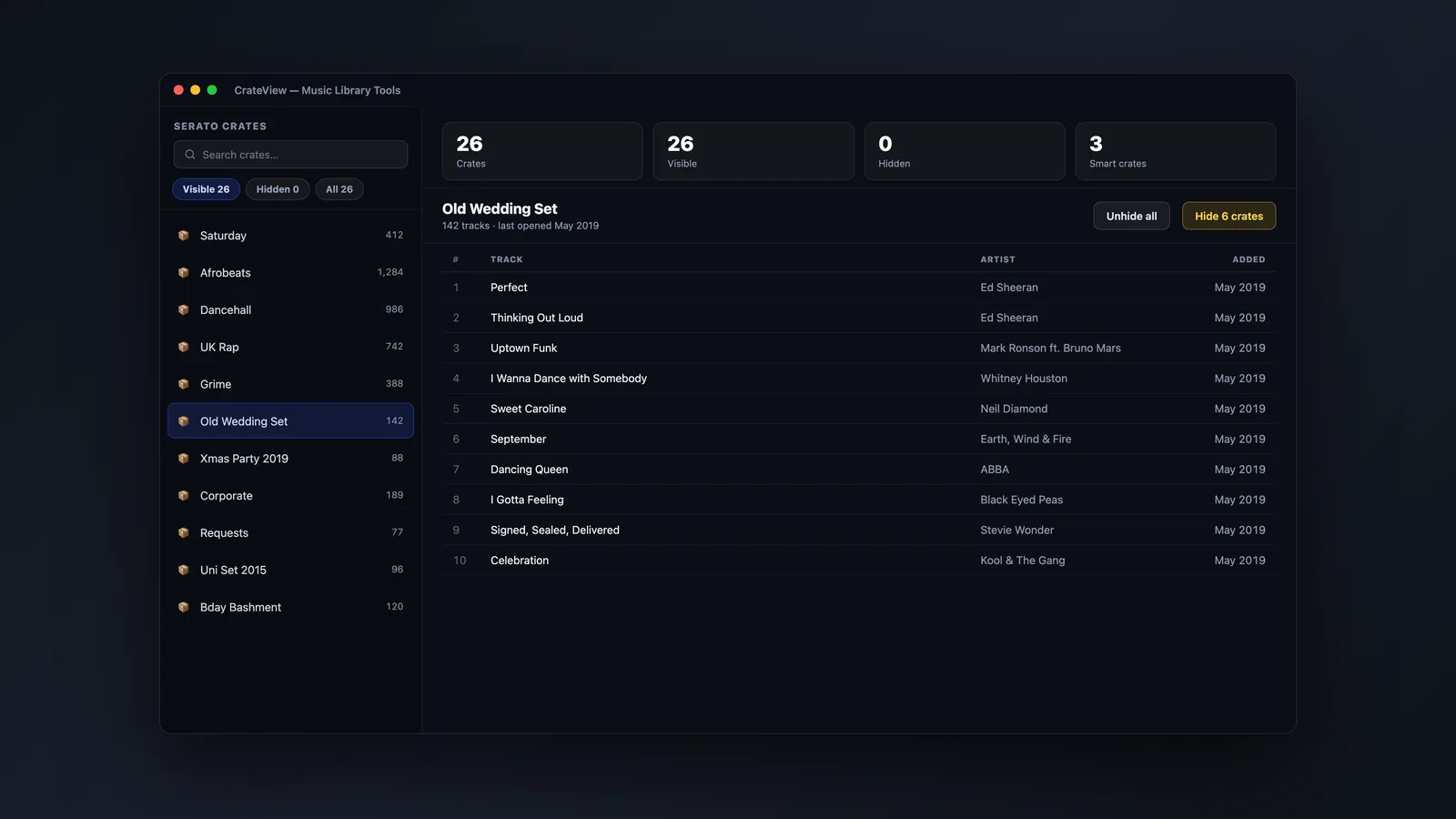
Hide or unhide every crate at once, and jump straight to your crates or hidden-crates folder - all from a single Actions menu. Hiding is fully reversible, and anything you remove goes to Trash.
How it works
No setup and no risk to your music. CrateView reads your crate structure and lets you tuck things away - everything is reversible.
It reads your Serato crate hierarchy instantly and lays it out clearly, outside the DJ app.
Toggle crates in and out of view, or filter to find the ones you want in seconds.
Delete crates you don't need to Trash. Bring hidden crates back whenever the set calls for them.
Filter by empty, hidden, smart, visible, regular or recently deleted - and search across every crate in seconds.
FAQs
Straight answers about your crates, your music, compatibility and price.
CrateView is included free with Music Library Tools. Browse, hide, show and clean up your Serato crates - all in one place.