No more orange tracks In Serato.
When files move or get deleted, Serato can't play them. MLT scans your entire laptop for those files and relinks them so every crate works again.
Where should I send the free download?
No spam. Unsubscribe anytime.
Check your email for the download link
Step 1: Check your inbox (and spam)
Step 2: Download and install MLT
Step 3: Open it and click Missing Tracks
Or download now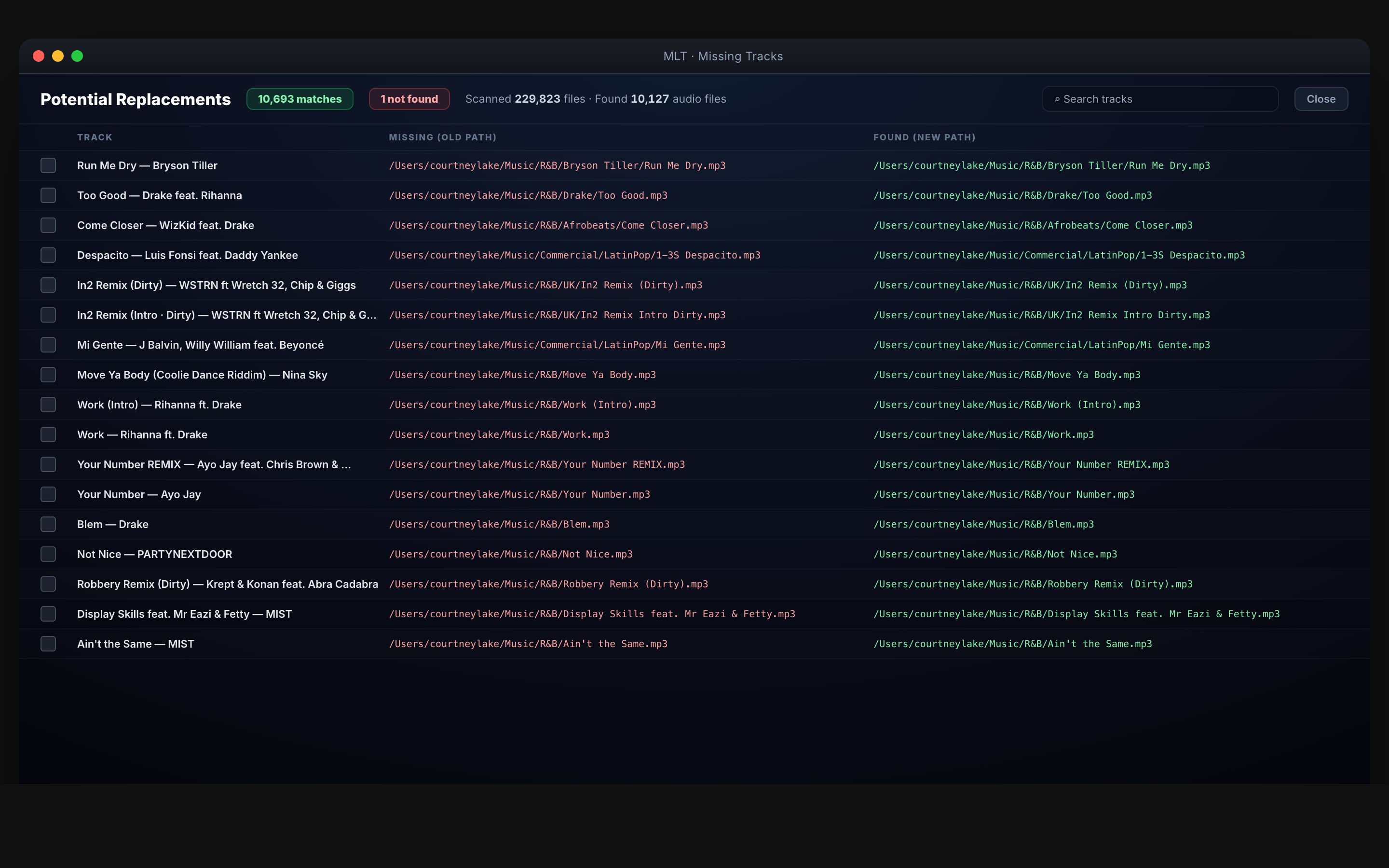
What you get
Find and fix missing tracks
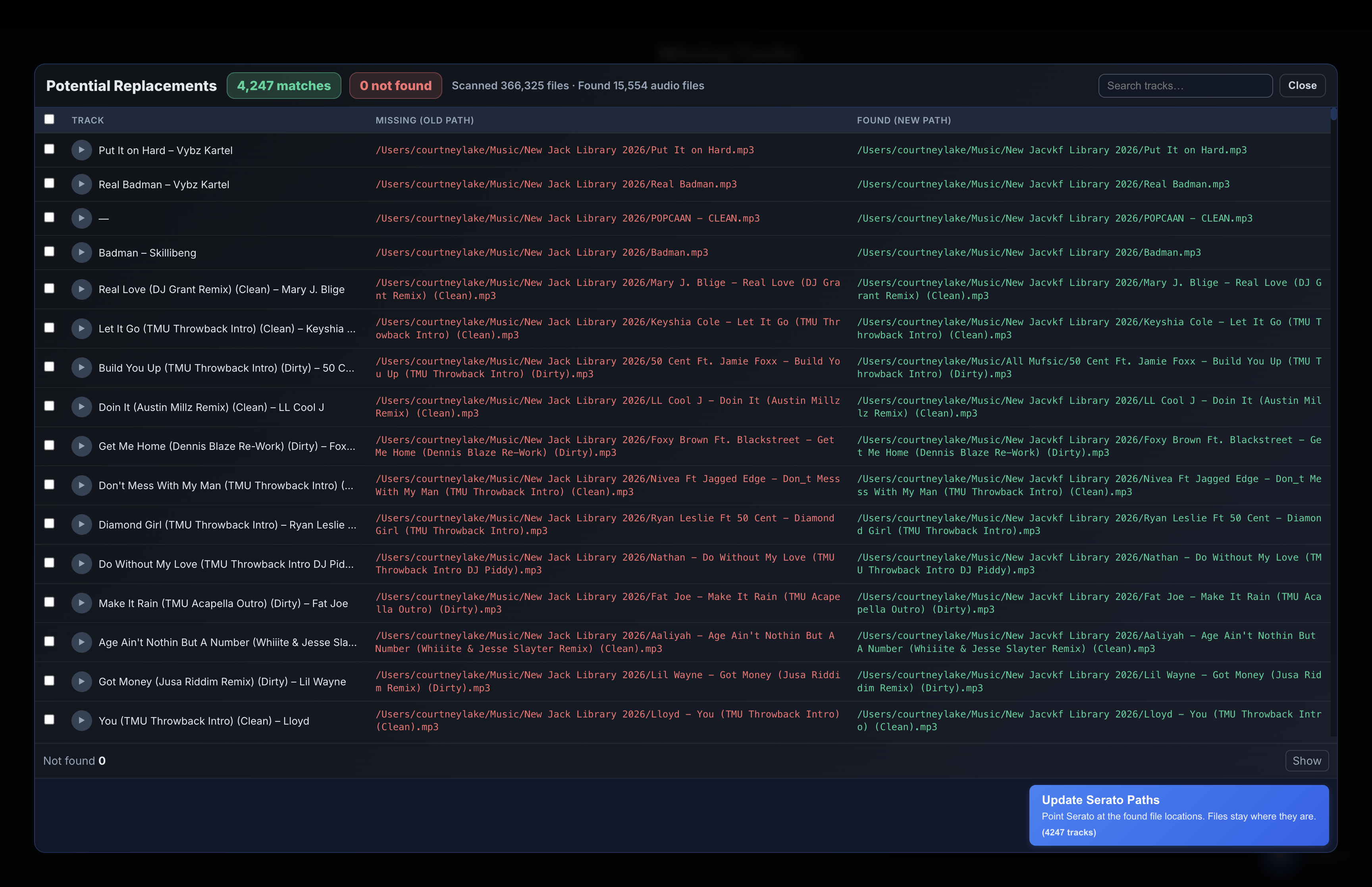
MLT scans your whole laptop for missing files using the filename, updates the paths in Serato, and your tracks play again. Super fast—scans in seconds.
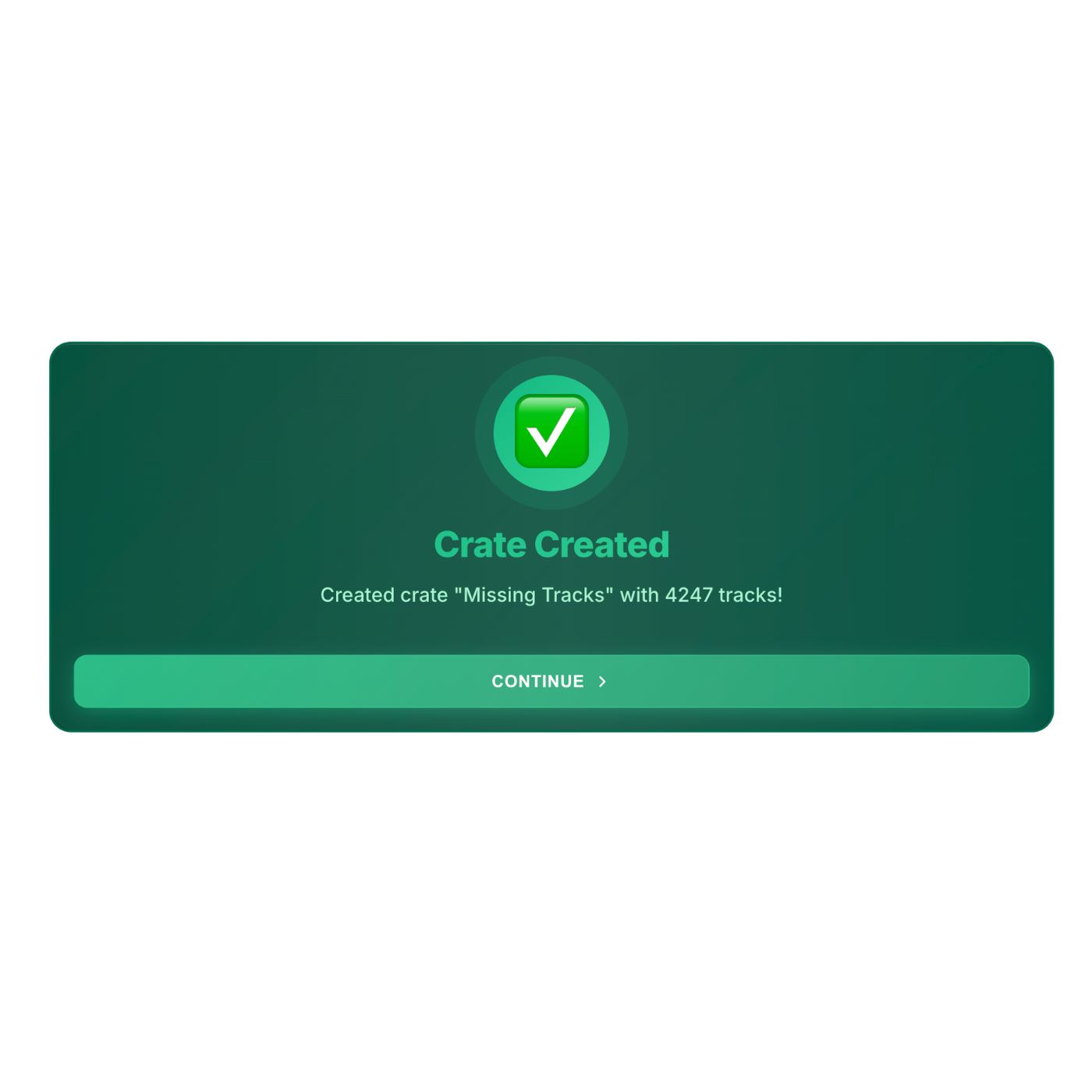
A crate of missing files
MLT can put all the missing files into one crate so you can delete them or keep a list. Open Serato and the fixed tracks are ready to play.
How it works
- MLT scans your whole laptop for the missing files using the filename.
- It updates the paths in Serato to the new location so the tracks can play again.
- Open Serato and hit play—the found tracks work again.
- Super fast: it scans your laptop in seconds.
- You can make a crate of all the missing files so you can delete them or keep a list.
★★★★★
“MLT has been a lifesaver. Every December I try to clean up my Serato to head into the next year with a clean slate — MLT changed all of that.”
— DJ L.A · @ayoitsDJLA
Free
No payment needed
Available for Mac & Windows